
If you’re building websites with Divi, you’ve probably noticed one thing very quickly:
most WordPress plugins try to do too much.
Large plugin bundles promise dozens of features — animations, sliders, tooltips, popups, UI effects — but in many cases you only need one small feature.
The problem is that these plugins often load large scripts and styles that slow down your website.
Because of this, many developers and designers are now looking for lightweight Divi plugins that solve one specific problem without adding unnecessary bloat.
In this article, we’ll explore several free Divi plugins and lightweight tools that can improve user experience while keeping your website fast.
1. Gradient Text Effects
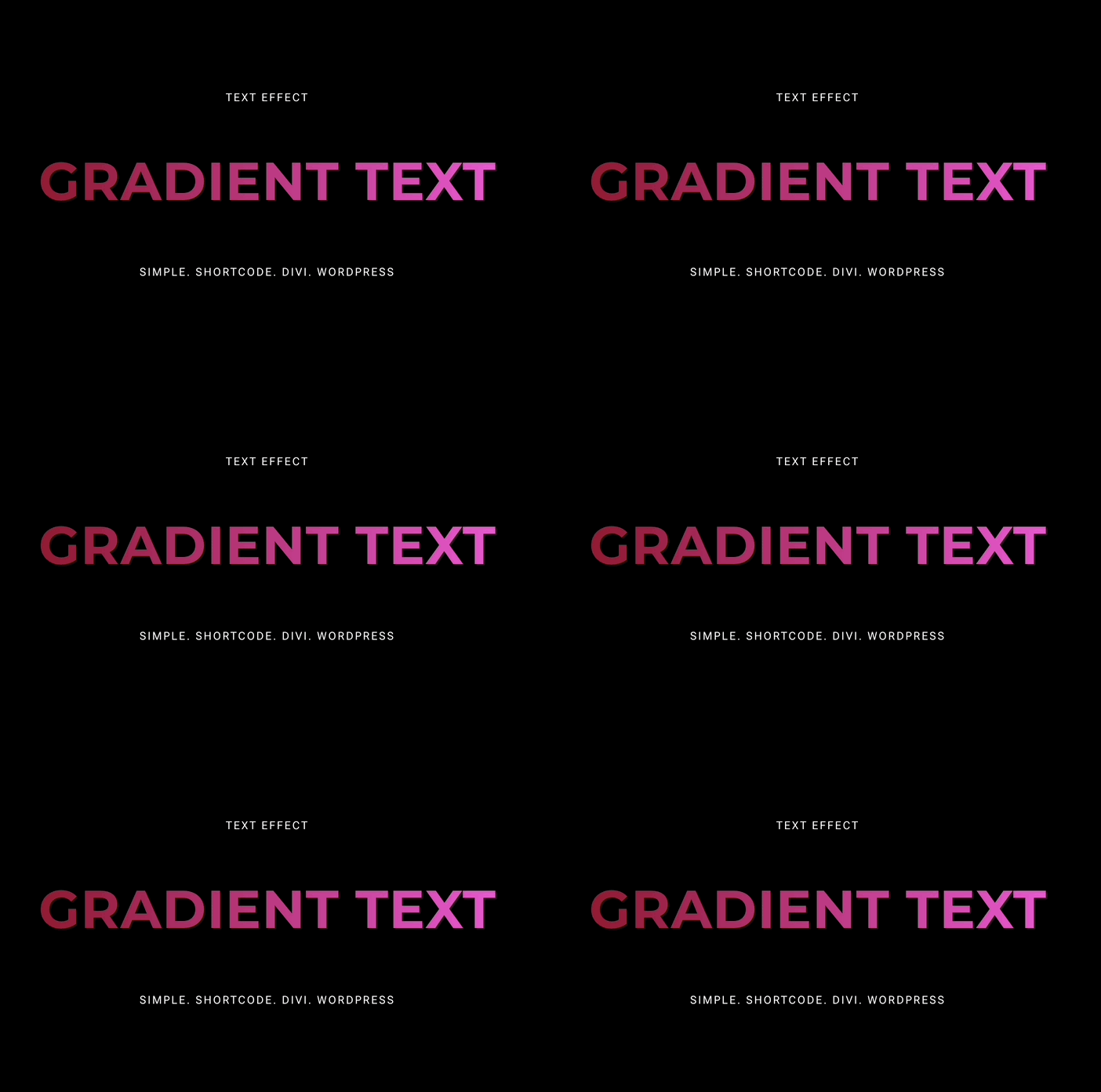
Gradient text has become a popular design pattern in modern landing pages.
Instead of using flat colors, gradient typography can create more visually interesting headlines.
Example uses:
-
hero section titles
-
call-to-action text
-
product highlights
A small gradient text plugin or shortcode-based solution can achieve this effect without loading large animation libraries.
Because the effect is purely CSS-based, it keeps your page lightweight and performance-friendly.
2. Hover Link Highlights
Small hover interactions can make a website feel much more polished.
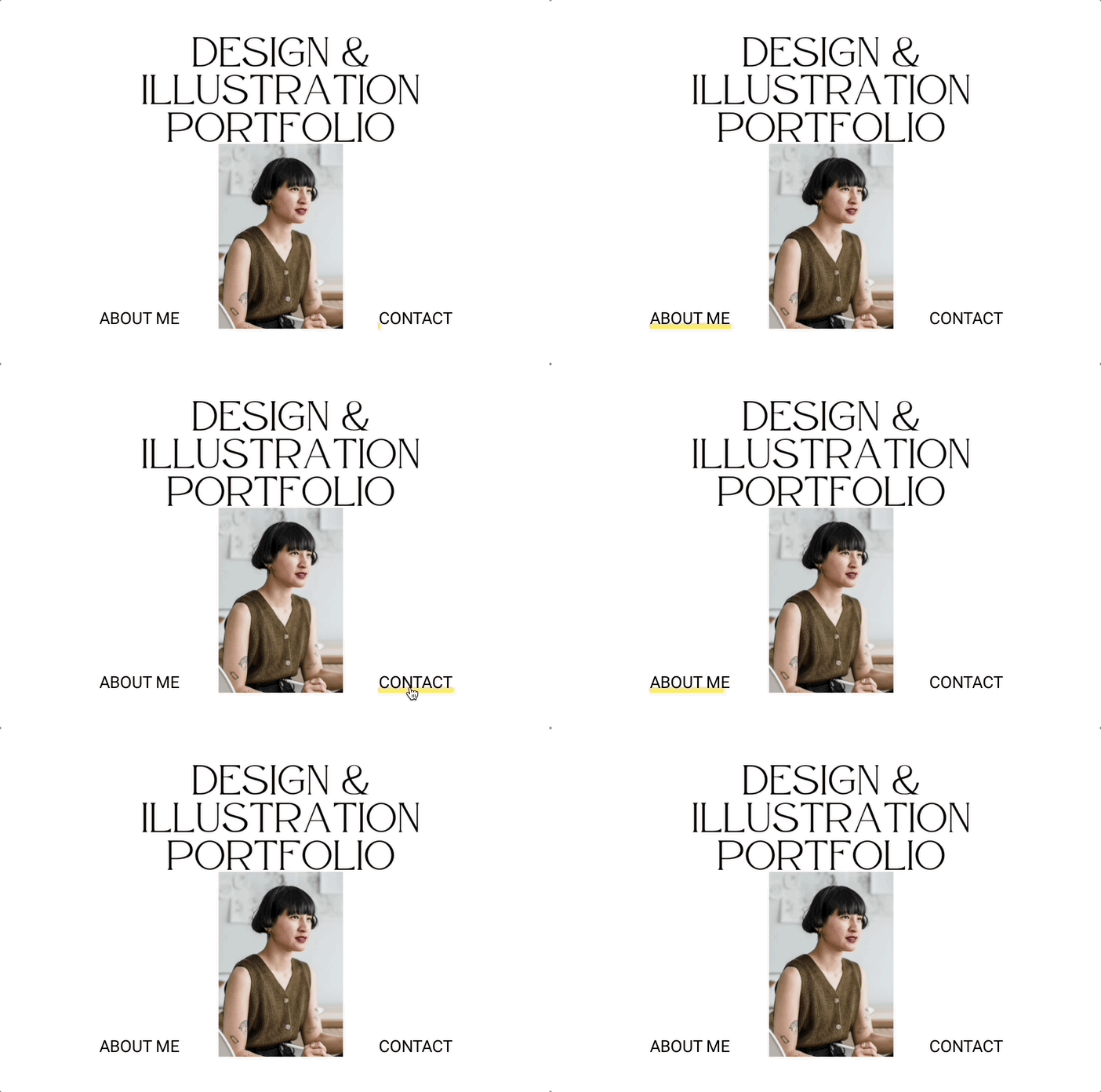
One popular technique is adding animated underline or highlight effects when users hover over links.
These subtle interactions improve usability because they:
-
provide visual feedback
-
guide user attention
-
make the interface feel more interactive
And the best part — they can usually be implemented with very small scripts.
3. Swap Text Buttons
Small interactive details can make a website feel much more modern.
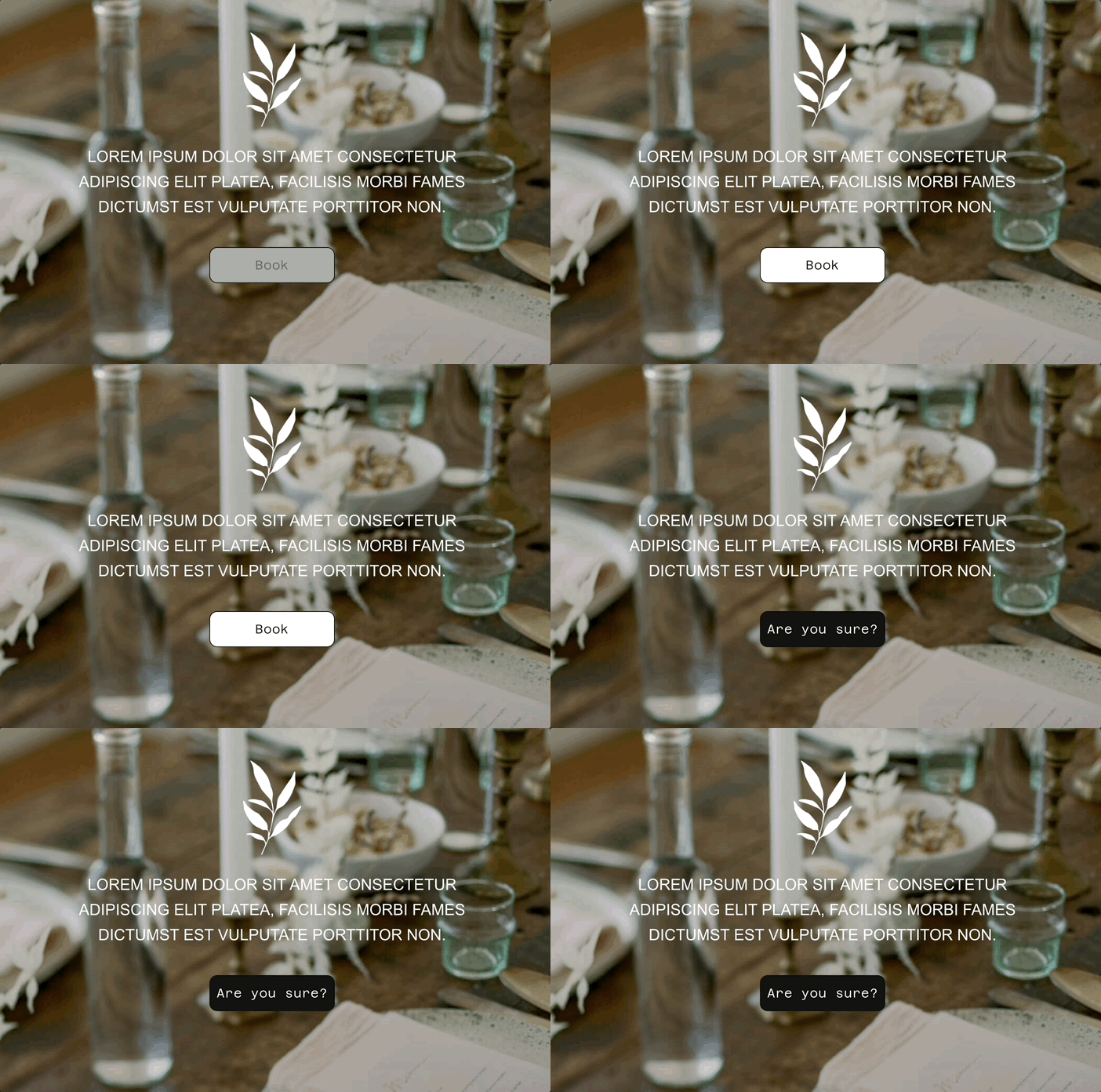
One simple example is a button that changes its text when users hover over it.
For example:
Download → Get Started
Learn More → See the Demo
This small interaction improves engagement because it gives users visual feedback when they interact with elements.
A lightweight solution like a swap text button snippet allows you to add this effect using a simple shortcode, without installing large UI frameworks.
4. Marquee Text Sections
Scrolling text sections (often called marquee text) are becoming popular again in modern web design.
They are often used for:
-
announcements
-
product features
-
testimonials
-
marketing messages
Instead of using heavy animation libraries, a lightweight marquee text plugin can create smooth scrolling text sections with minimal code.
![Marquee Text Plugin [free]](https://alldivitools.com/wp-content/uploads/2026/02/Feb-06-2026-10-16-14.gif)
Final Thoughts
Divi is an extremely powerful builder, but the plugins you install can have a big impact on your website’s performance.
Instead of relying on heavy feature bundles, many developers are now choosing lightweight plugins and small UX tools.
These small improvements — hover interactions, rotating headlines, copy buttons, and subtle UI effects — can make a website feel modern while keeping it fast.
https://alldivitools.com
0 Comments