
Hover Inline Image for WordPress
Lightweight WordPress plugins built for better UX, modern interactions, and faster websites. Designed for Divi and compatible with any WordPress theme or builder.
Lightweight • No bulky popups • Easy shortcode setup
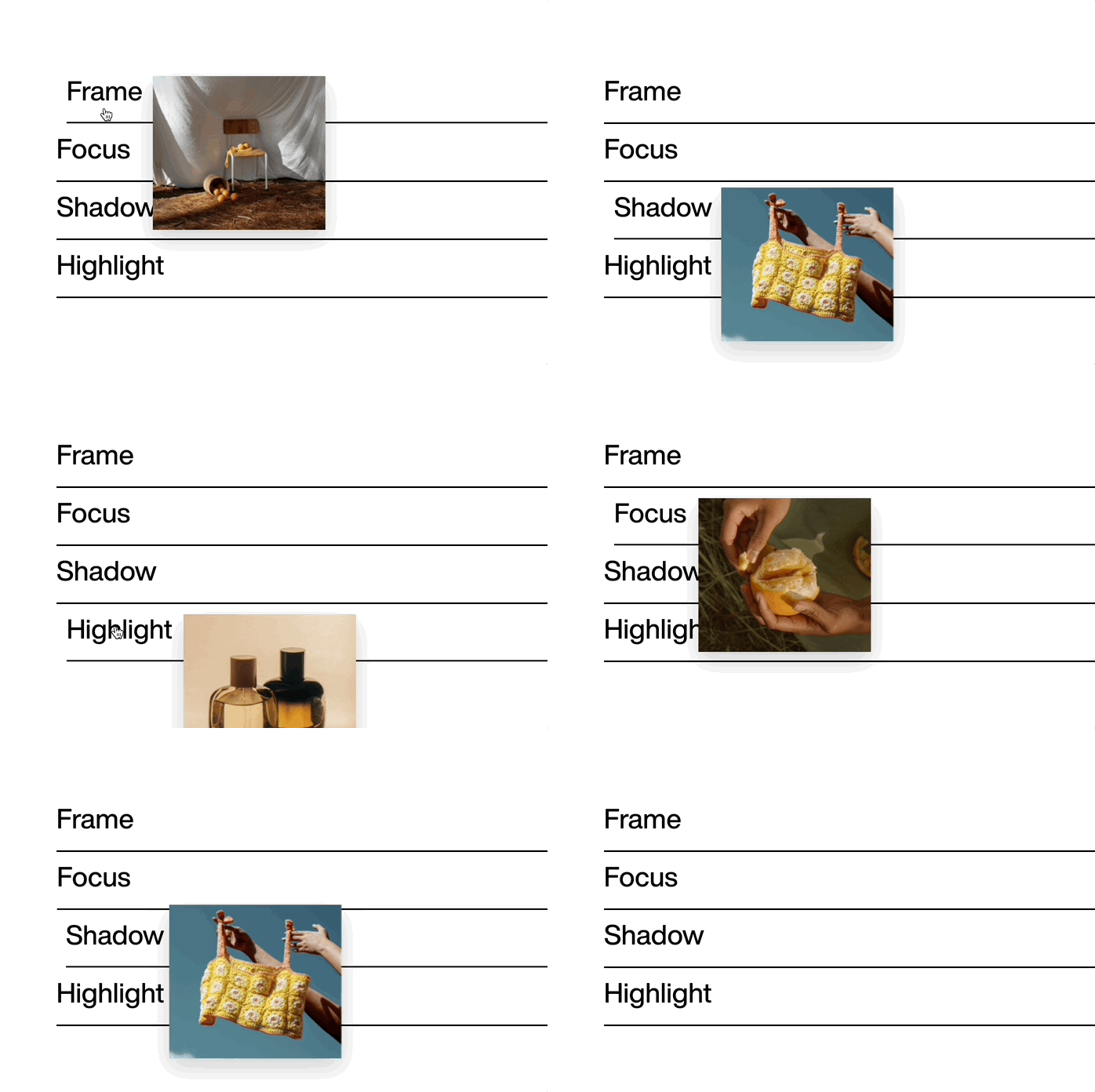
Show Image Previews Inside Text Without Popups or Heavy Plugins
Turn any word, phrase, or text element into an interactive image trigger. When visitors hover the text, a floating image preview appears instantly.
Use it in paragraphs, headings, buttons, feature lists, portfolio descriptions, service sections, or landing pages.
Why Use Hover Inline Image?
Elegant hover image previews
Reveal floating image tooltips when users hover text.
Works anywhere
Use it with Divi, WordPress editor, Elementor, Gutenberg, and any theme.
Flexible shortcode setup
Add previews to words, phrases, headings, buttons, or simple text lists.
Control the look
Set preview width, corner radius, offset, and animation speed from the WordPress admin.
Clean by default
No forced underline or styling. Style the trigger text however you want.
Accessibility-friendly
Respects “Reduce motion” settings for better accessibility.
Live Demo
Hover over the word
Frame
Focus
Shadow
Highlight
Installation
Upload and activate the plugin.
Open Settings → Rotating Words to configure animation and styling.
Add the shortcode in any builder/module where you want rotating words to appear.
Site Requirements
✔ WordPress 5.8 or later
✔ PHP 7.4 or later
✔ Compatible with Divi 4 and Divi 5
✔ Works with any WordPress theme or builder
Perfect For
✔ Portfolios
✔ Landing page highlights
✔ Creative studios
✔ Modern UI accents
Build Better WordPress Websites With Lightweight Plugins
If you want practical WordPress plugins that improve UX, add modern interactions, and keep your website fast, you’re in the right place.
Start with a free plugin or explore the full collection.